1. Call Center Lead
New inbound lead, human team trying to book.
Protected Access
Enter the password to view the SOP, pipeline, and email flow documentation.
Final pipeline for Wetscapes Funnel Design. This is the simple operational version for documenting what each stage means from lead to paid invoice.
New inbound lead, human team trying to book.
Human attempts paused or reduced, AI now working to book design.
Appointment on calendar.
Booked but missed / needs rebooking.
Appointment happened.
Proposal out.
Sold, waiting on scheduling.
Install date confirmed.
Job done.
Billing out.
Closed loop complete.
Dead deal at any point.
This is clean and usable if you want a simple operational pipeline.
Click any stage in the funnel to view its meaning and operational notes.
Interactive Funnel
Click a stage to inspect the SOP meaning without leaving the funnel.
Selected Stage
New inbound lead, human team trying to book.
Selected Stage
Human attempts paused or reduced, AI now working to book design.
Selected Stage
Appointment on calendar.
Selected Stage
Booked but missed / needs rebooking.
Selected Stage
Appointment happened.
Selected Stage
Proposal out.
Selected Stage
Sold, waiting on scheduling.
Selected Stage
Install date confirmed.
Selected Stage
Job done.
Selected Stage
Billing out.
Selected Stage
Closed loop complete.
Selected Stage
Dead deal at any point in the pipeline.
Lifecycle nurture sequences that support each stage of the Wetscapes pipeline.
Offer Sent Stage
2-Year Email Automation Sequence
Month 1
Frequency: Days 1, 3, 7, 14, 21, 30. Goal: Reinforce the decision, handle hesitation, keep Wetscapes the frontrunner.
Email 1
Objective: Confirm the estimate was sent, set expectations, open the door to questions.
Subject lines:
Hi [First Name],
Your custom pool design estimate from Wetscapes is now in your hands, and we want to make sure you have everything you need to move forward with confidence.
Take your time reviewing it. If anything is unclear, or if you have questions about the design, the installation process, or the timeline, we are here.
A few things to know as you review:
Our fiberglass pools are engineered for durability, low maintenance, and long-term value. Every estimate is tailored to your property and vision. Nothing is generic. We are available to walk through the details with you at any time.
When you are ready to talk, simply reply to this email or call us directly. No pressure. Just answers.
Warmly,
The Wetscapes Team
CTA: Reply to this email or call us to ask any questions.
Strategic reasoning: Day 1 is about confirming receipt and making the lead feel attended to, not sold to. It sets a professional, low-pressure tone that differentiates Wetscapes from aggressive competitors.
Email 2
Objective: Reduce hesitation with a real customer story.
Subject lines:
Hi [First Name],
We know a pool is a significant investment, and it is normal to take time before making a final decision.
We thought it might help to hear from someone who was in the same position not long ago.
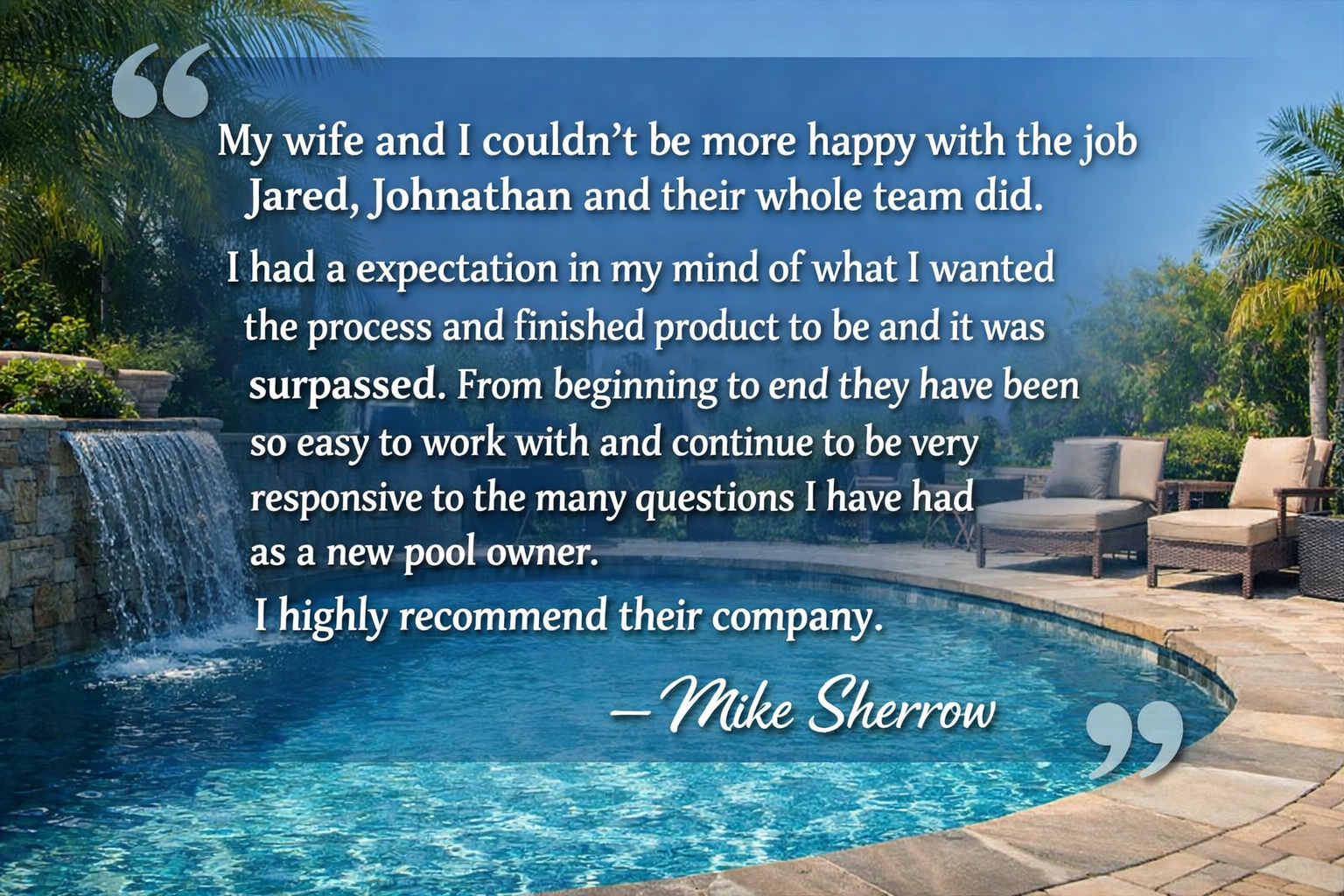
Stories like this are the reason we do what we do.
If you would like to see more, including project photos, reviews, or completed installs in your area, just reply and we will send them over.
Warmly,
The Wetscapes Team
CTA: Reply to see photos and reviews from completed projects near you.
Strategic reasoning: Day 3 is the first real objection-handling touchpoint. The "not ready yet" lead needs to see that others hesitated and were glad they moved forward. Peer validation outperforms any sales argument at this stage.
Email 3
Objective: Build confidence in the product decision, not just the brand.
Subject lines:
Hi [First Name],
If you are still weighing your options on material, on timing, or on whether now is the right moment, this may help.
Fiberglass pools are not just easier to install. They are engineered to outperform concrete and vinyl over the long term.
Lower maintenance costs. No resurfacing. No liner replacements. Less chemical use.
Faster installation. Most fiberglass pools are installed in days, not months.
Superior durability. The gelcoat surface resists algae, staining, and cracking.
Long-term value. Fiberglass consistently adds more resale value to a home than alternatives.
Your estimate reflects all of this. A product built to last, installed by a team that has done it hundreds of times.
Questions about the materials or process? We are happy to walk you through it.
The Wetscapes Team
CTA: Reply with any questions about materials, installation, or your specific design.
Strategic reasoning: Week 1 leads are often still in research mode. This email meets them there. It educates without selling, which builds credibility and keeps Wetscapes ahead of competitors they may be comparing.
Email 4
Objective: Make the dream tangible. Trigger emotional desire.
Subject lines:
Hi [First Name],
Sometimes the best way to picture your future pool is to see someone else's transformation first.
[Insert 2 to 3 before and after photos with brief captions. Location, pool model, and timeline if possible.]
What you are looking at is a backyard that went from ordinary to extraordinary in a matter of days.
Your design has the same potential. The estimate we sent you is the first step toward making that happen.
When the timing feels right, we are ready to move forward with you.
The Wetscapes Team
CTA: Ready to take the next step? Reply or call us to confirm your project date.
Strategic reasoning: Two weeks in, the lead has seen proof and education. Now it is time to reawaken desire emotionally. Visuals do what copy cannot. They make the outcome feel real and achievable.
Email 5
Objective: Introduce timing awareness without being pushy.
Subject lines:
Hi [First Name],
We work with a lot of homeowners who plan to install a pool "eventually," and the ones who act early consistently enjoy it most.
Here is why timing matters with a pool installation.
Our project calendar fills up months in advance, especially heading into spring and summer. Starting now means your pool is ready when the season is. Waiting often means a longer queue and a later completion date.
We are not in the business of pressure, but we do want to make sure you are informed.
If you would like to hold your place in our schedule, we can discuss that without any obligation to commit fully right now.
The Wetscapes Team
CTA: Reply to check current availability and hold your spot in our calendar.
Strategic reasoning: At day 21, a "not ready yet" lead needs a gentle nudge that reframes waiting as a cost. This email introduces soft urgency anchored in logistics and seasonality, not artificial scarcity. It respects the lead's intelligence.
Email 6
Objective: Keep the relationship open. Invite dialogue. Do not let the lead go cold.
Subject lines:
Hi [First Name],
It has been about a month since we sent your custom pool estimate, and we wanted to check in.
There is no pressure here. We understand that a project like this takes thought, conversation, and the right moment.
If anything has changed, whether your timeline, your questions, or your priorities, we would love to hear where you are at.
And if you are simply not ready yet, that is completely fine. We will stay in touch with helpful content and updates from time to time, and we will be here when the time is right.
Whenever you are ready, so are we.
The Wetscapes Team
CTA: Reply and let us know where you are at. Even a quick update helps us serve you better.
Strategic reasoning: Month 1 closes with an open hand, not a closed fist. This email signals professionalism, patience, and long-term relationship intent. It also sets the expectation for continued contact, reducing the chance of unsubscribes.
Months 2 to 6
Frequency: Every 2 weeks, 10 emails. Goal: Deliver value, stay relevant, handle objections passively through content.
Feature a completed project with photos and homeowner quote.
5 things people get wrong about pool upkeep.
Highlight a pool shape or feature from your catalog.
What to do before pool season starts.
How a pool affects your property value.
What happens after you say yes.
Answer the 5 most common questions from prospective buyers.
Visual-led, minimal copy.
How most homeowners fund their pool project.
Soft check-in: Still dreaming about a pool?
Months 7 to 24
Frequency: Once per month, 18 emails. Goal: Maintain presence, build authority, be the obvious choice when they are ready.
Pool chemistry basics, energy efficiency tips, landscaping around pools.
Seasonal backyard setups, lighting ideas, pool entertainment.
Customer anniversaries, reviews, project spotlights.
Behind the scenes at Wetscapes, team spotlights, project milestones.
Your estimate is still on file. Here is what has changed since then.
Automation
Branching rules to build into your CRM and automation system.
Add each funnel with purpose, trigger, and conversion goal.
Define entry/exit criteria for every stage in your client journey.
Keep this as a running changelog for SOP updates and decisions.